task04
Verify Policy Configuration on ND

Verify Policy Configuration

In your browser, open another instance of the browser or another tab. Copy the url of Nexus Dashboard:

  • ND URL: https://10.15.0.11

Step 1 - Login to Nexus Dashboard

At the Nexus Dashboard login screen, login using your username and password:
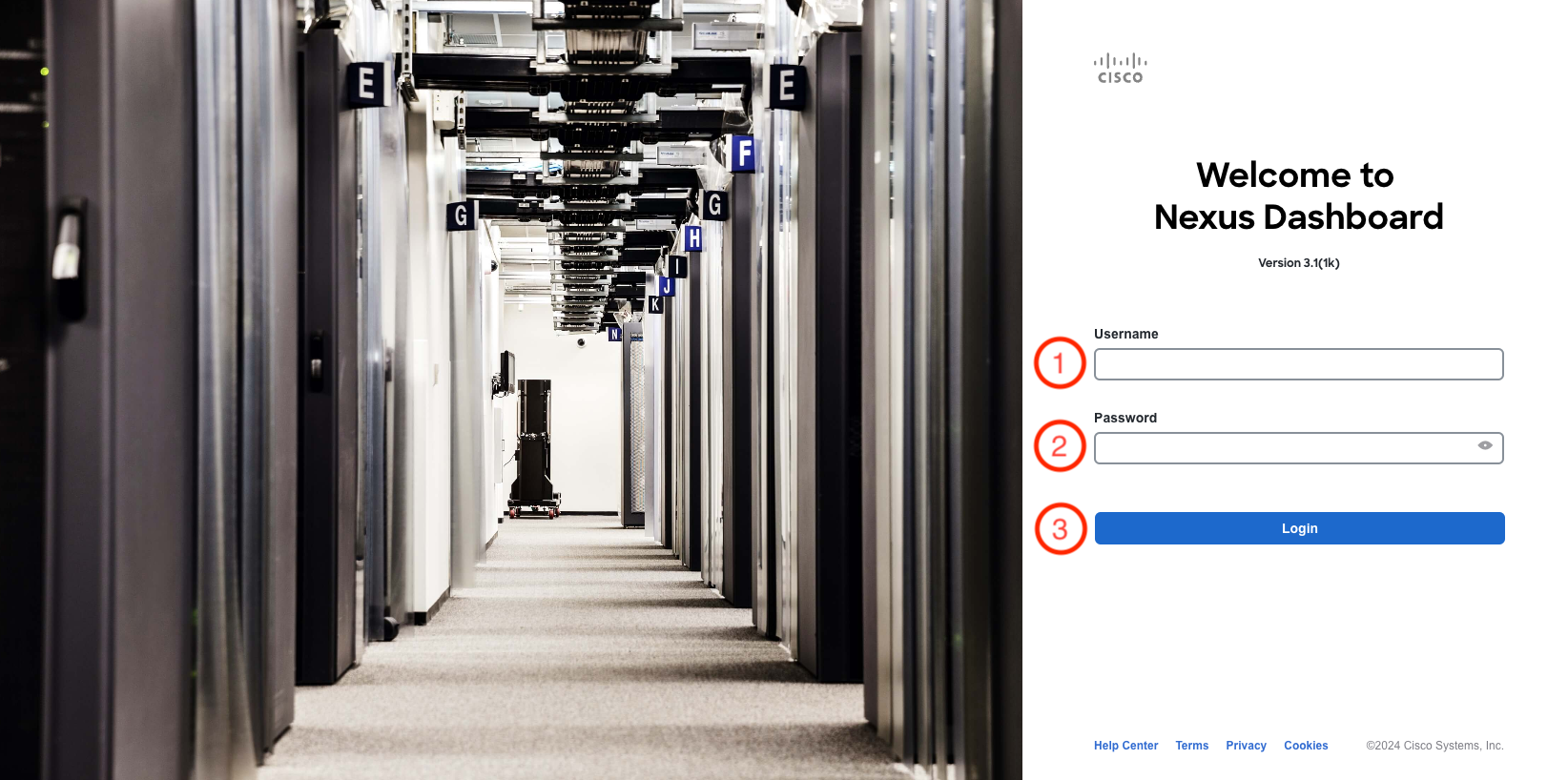
  1. Username: admin
  2. Password: cisco.123
  3. Click Login
Login to Nexus Dashboard
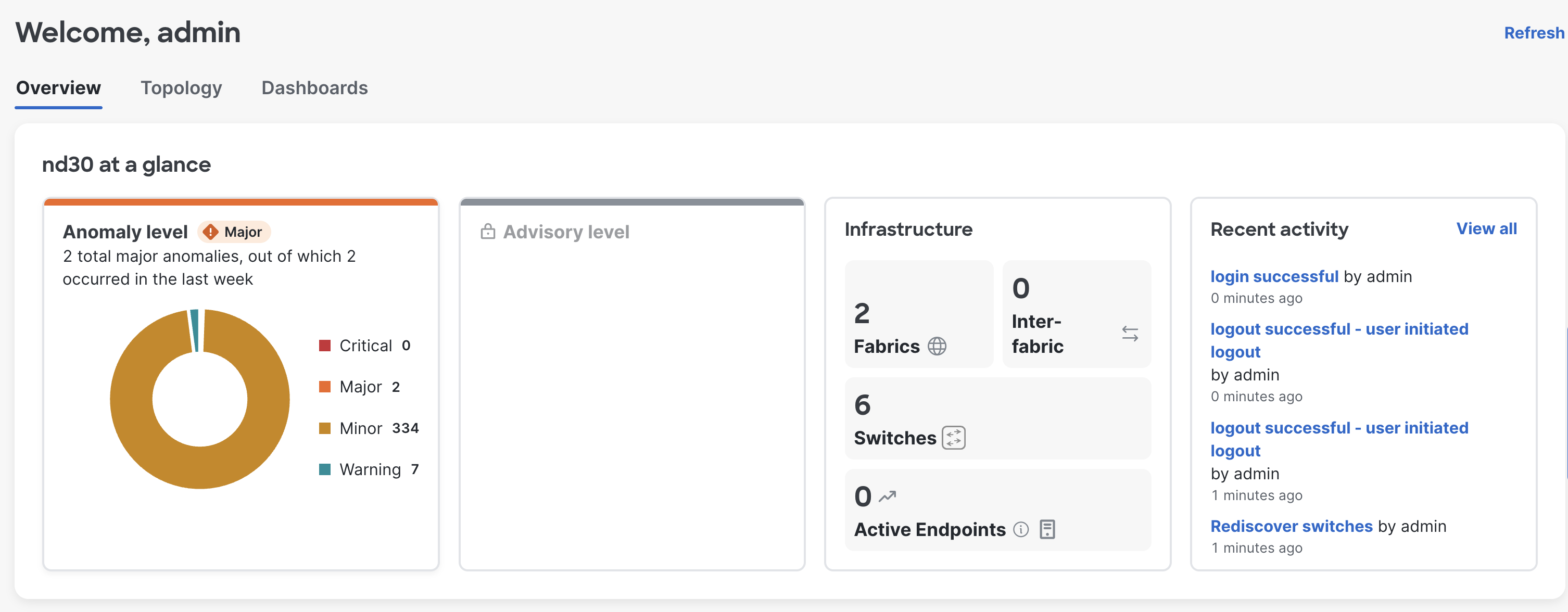
Nexus Dashboard overview after login

Step 2 - Open fabric-stage

Open the fabric page and select the staging fabric:
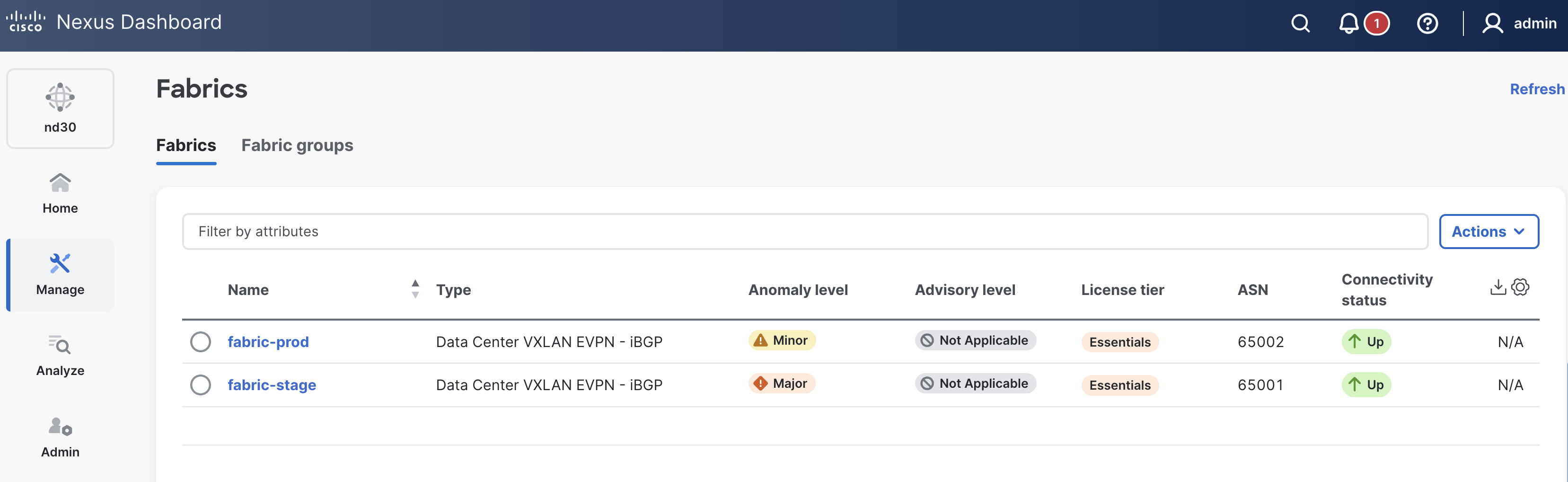
  1. Hover over Manage on the left menu, then select Fabrics
  2. Click fabric-stage
    Select fabric-stage from the fabric list
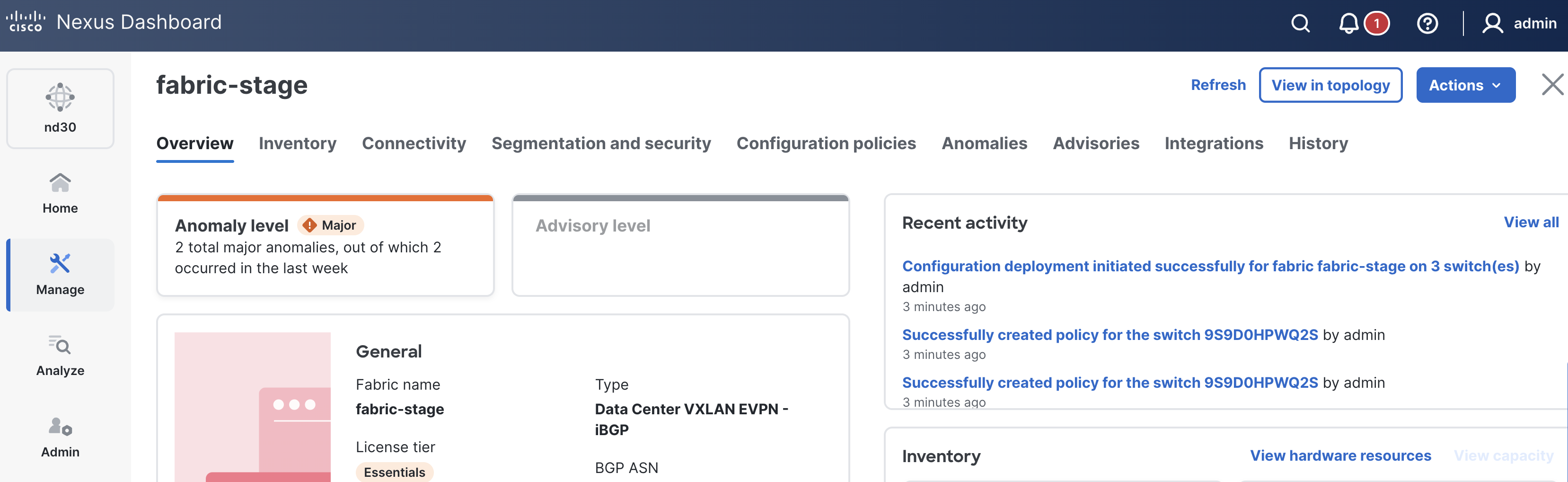
  3. Confirm that the fabric-stage fabric details page opens
    fabric-stage overview page

Step 3 - Verify Configuration Policies

The policy section should show the NaC-created policies for NTP and the freeform switch configuration.

  1. Click the Configuration policies tab
  2. Use Template == ntp_server as the filter and confirm that the NTP policies are present
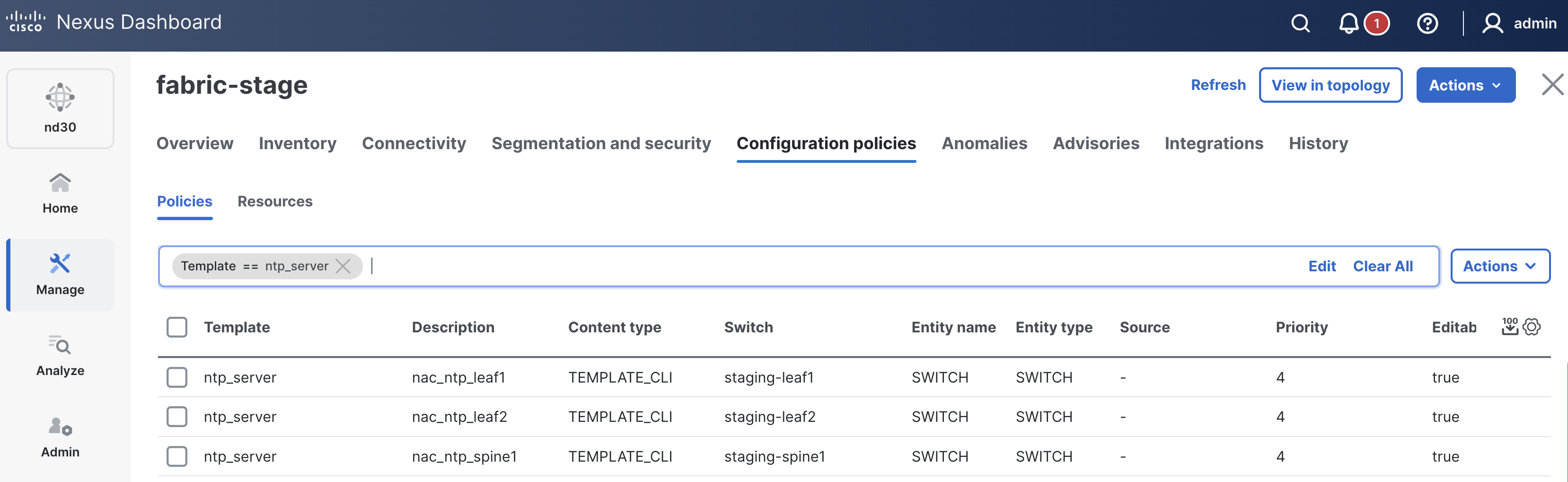
    Verify ntp_server policies
  3. Clear the filter, then use Template == switch_freeform as the filter and confirm that the freeform switch policies are present
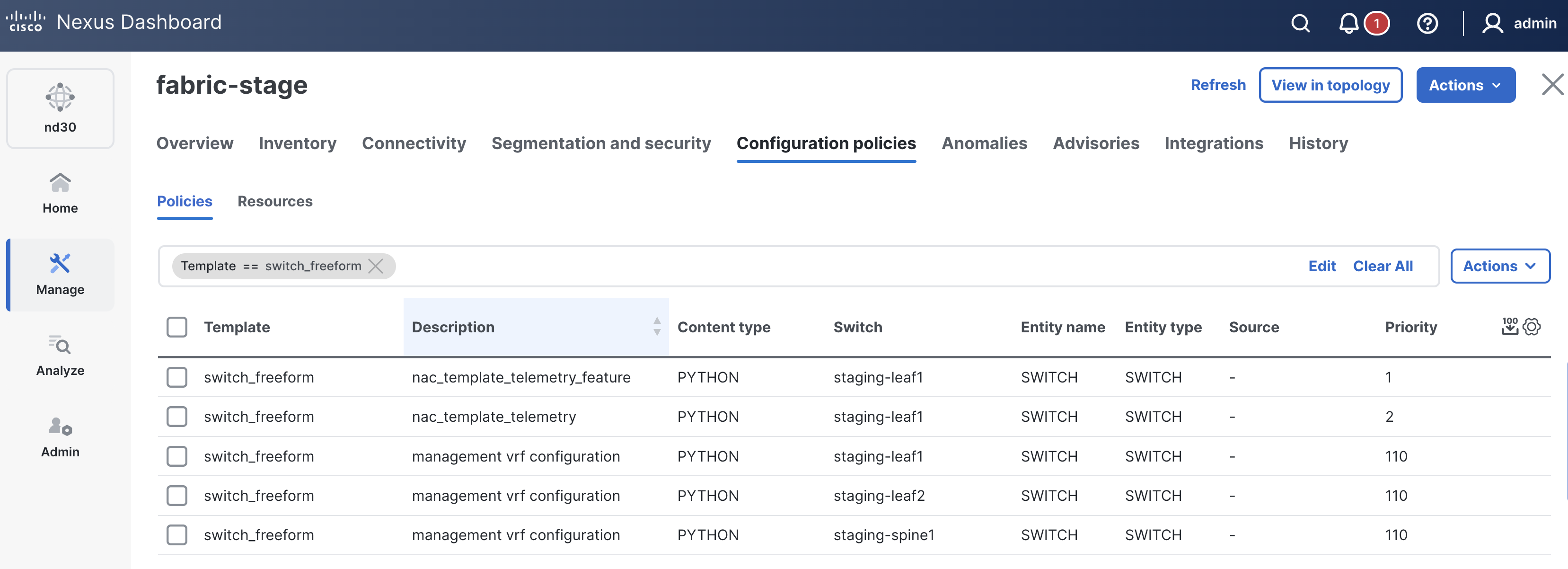
    Verify switch_freeform policies