The merge request pipeline has already validated and deployed the NaC model on fabric-stage. Now merge the
request so the CD path deploys the same model to fabric-prod.
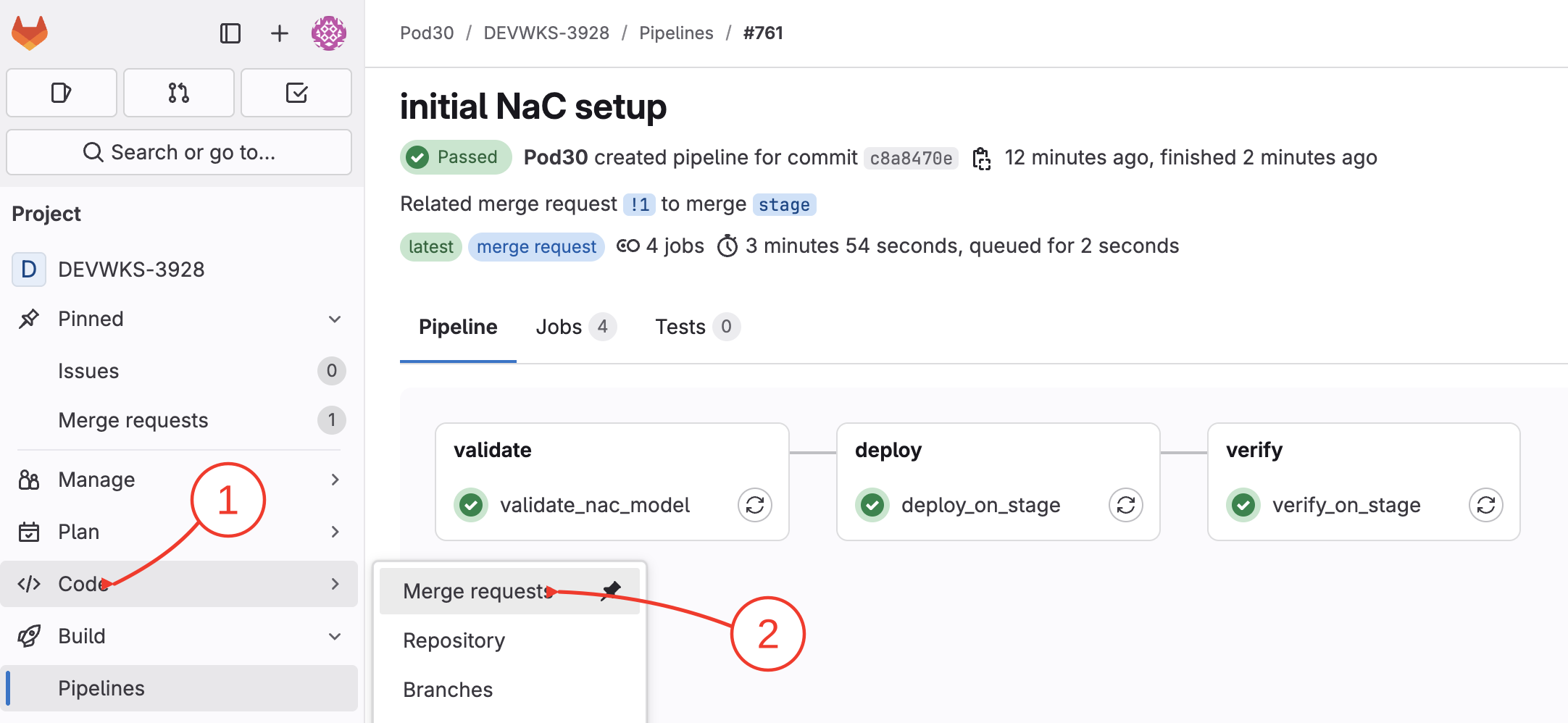
To open the merge request page:
Hover over Code on side menu
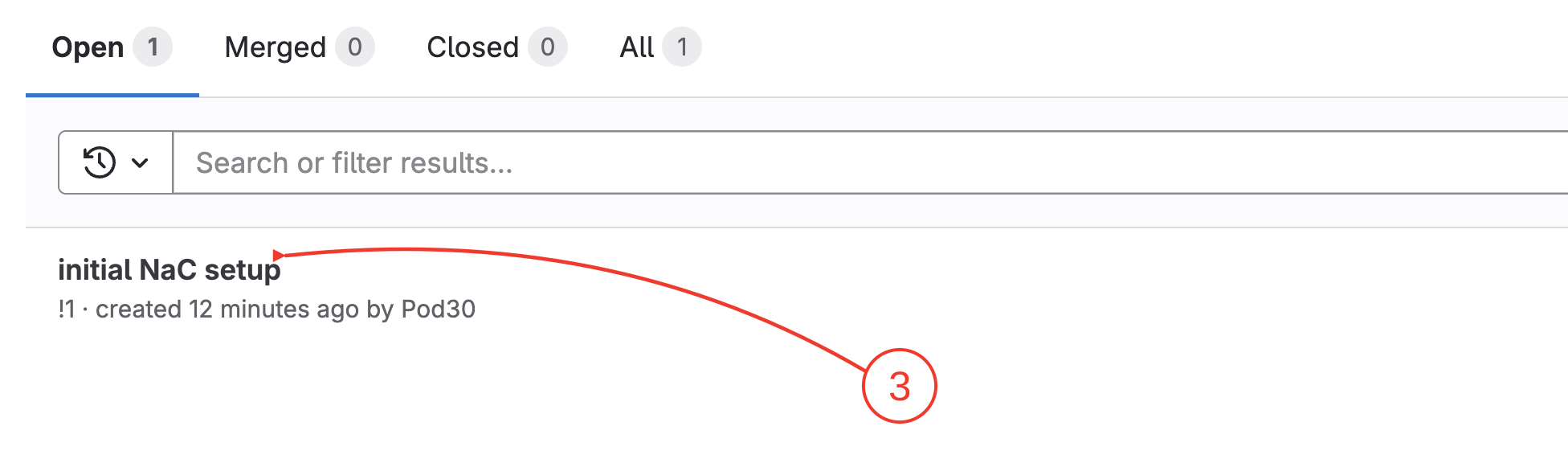
Click Merge RequestsOpen Merge Requests from the side menu
Then click the PR link we just created: initial NaC setupSelect the initial NaC setup merge request
Step 2 - Merge the Request
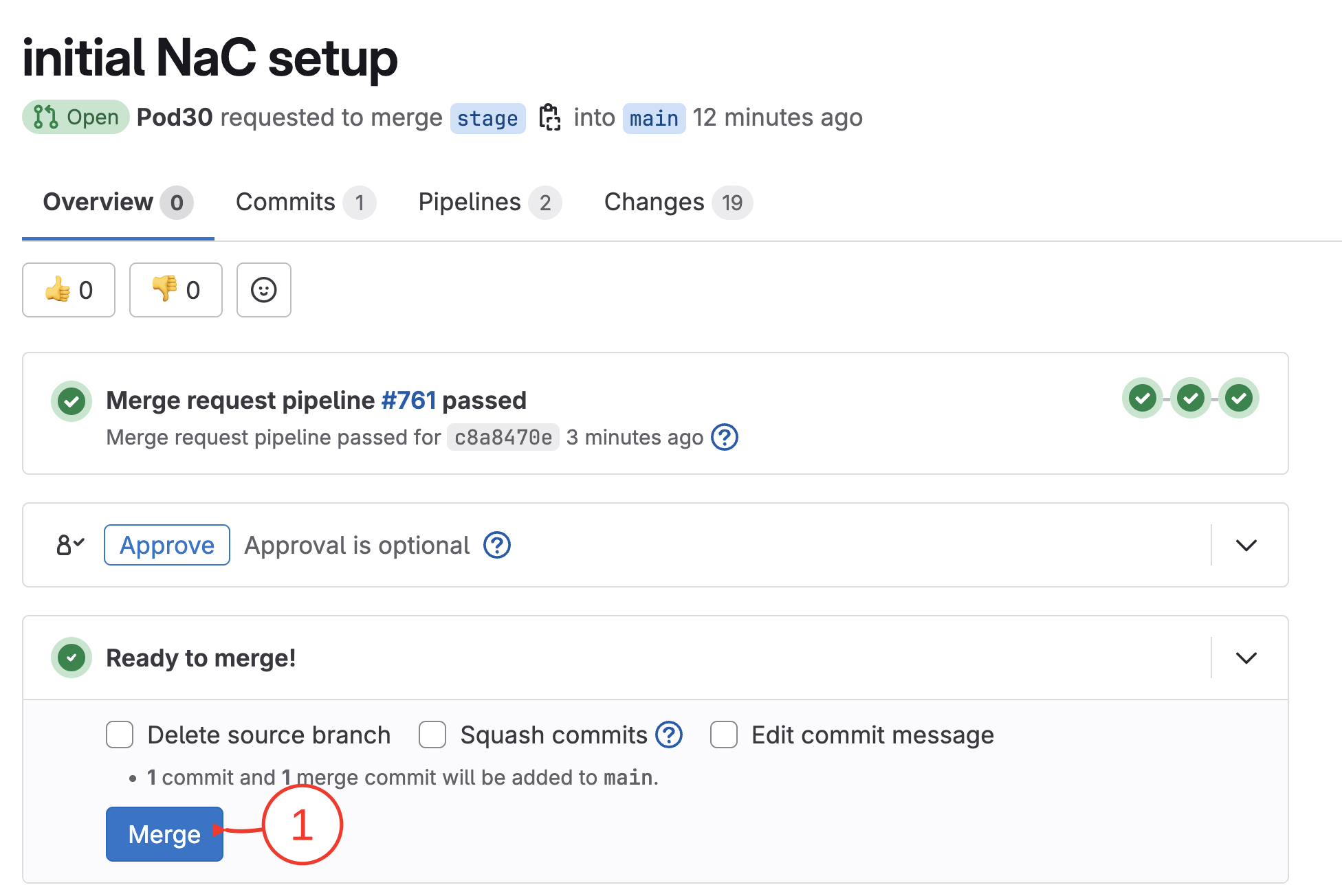
On Merge Request details page:
Click MergeMerge the validated request
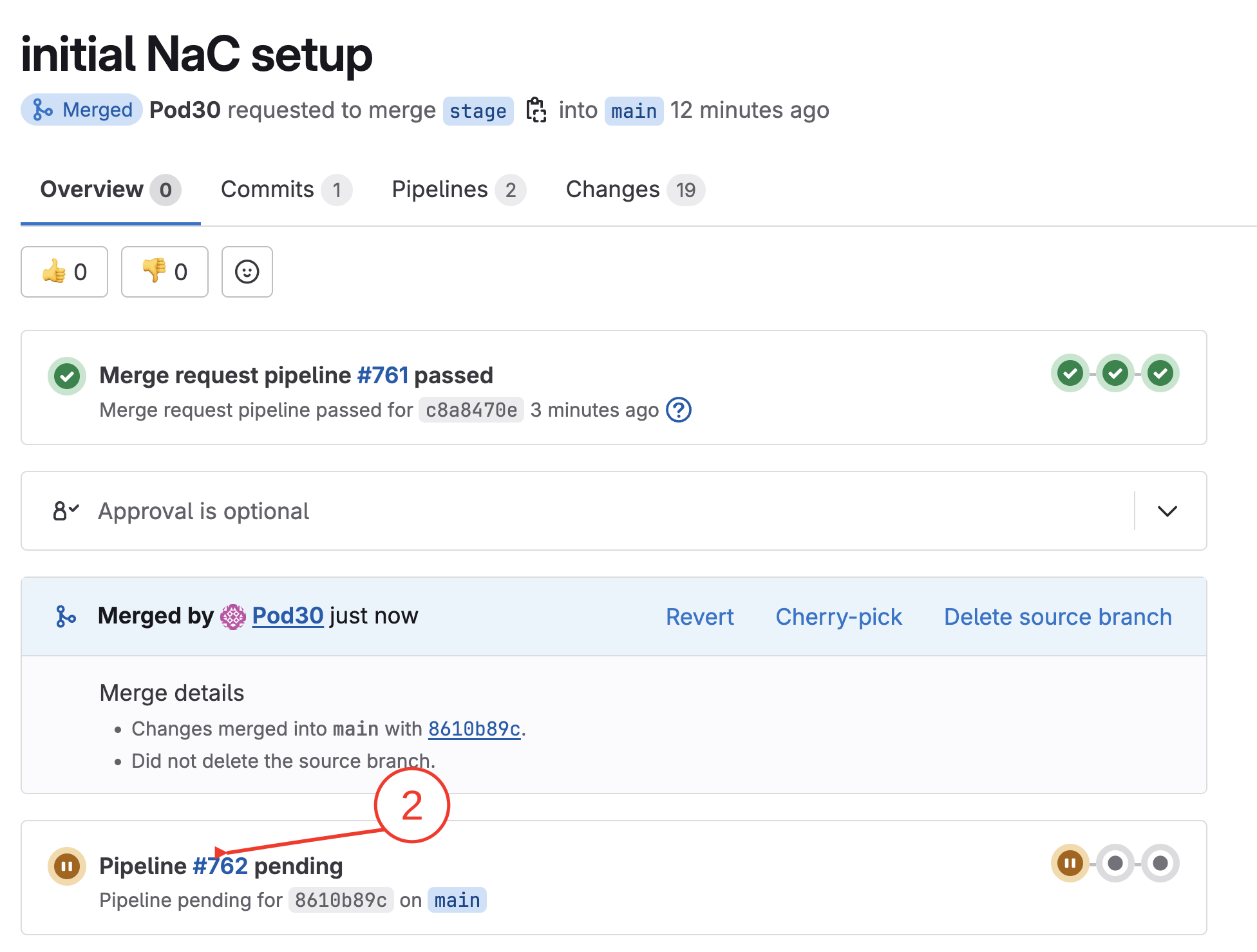
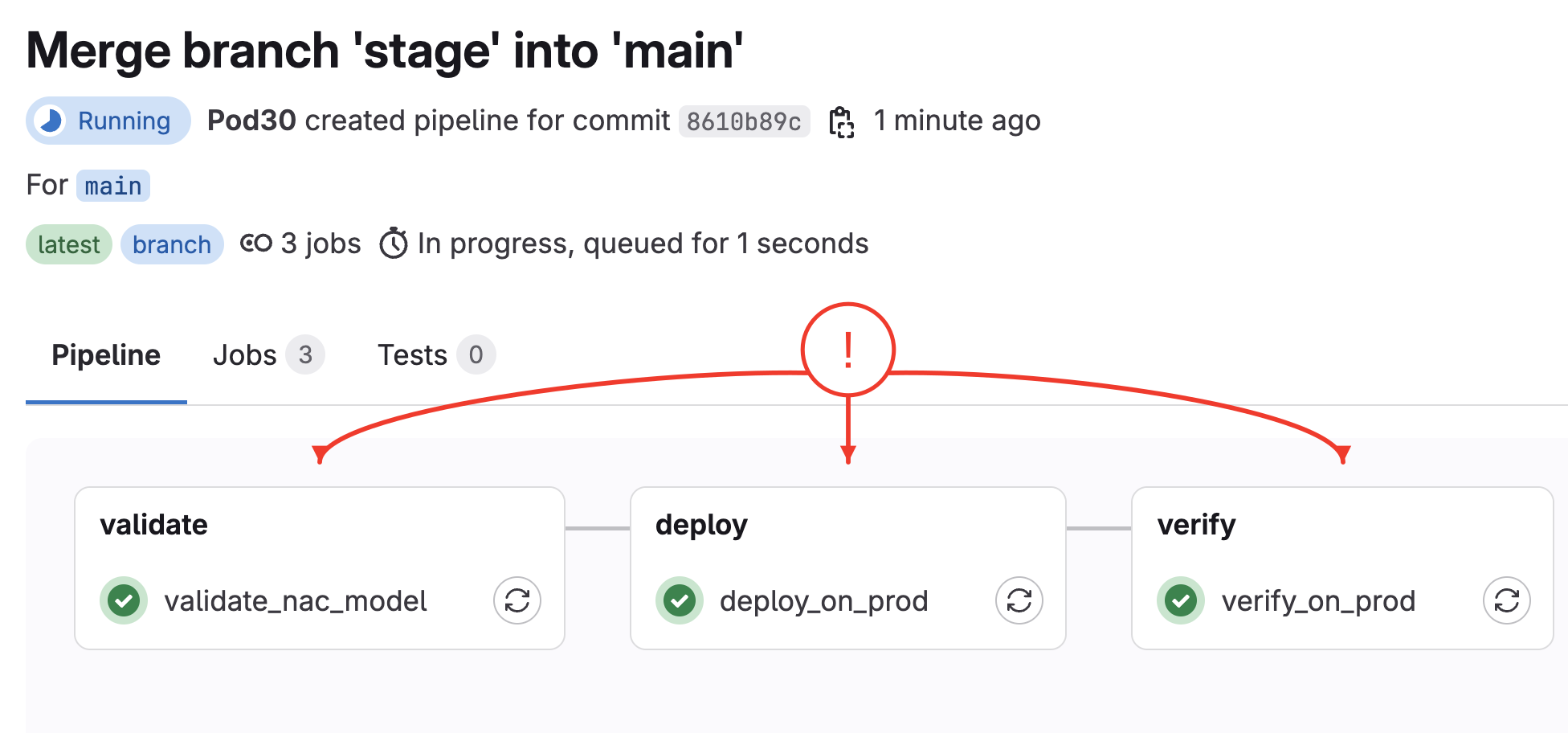
Once code is merged, a new CD pipeline is triggered, click PipelineOpen the newly triggered CD pipeline
Step 3 - Wait till pipeline is finished
Review the production CD pipeline jobs
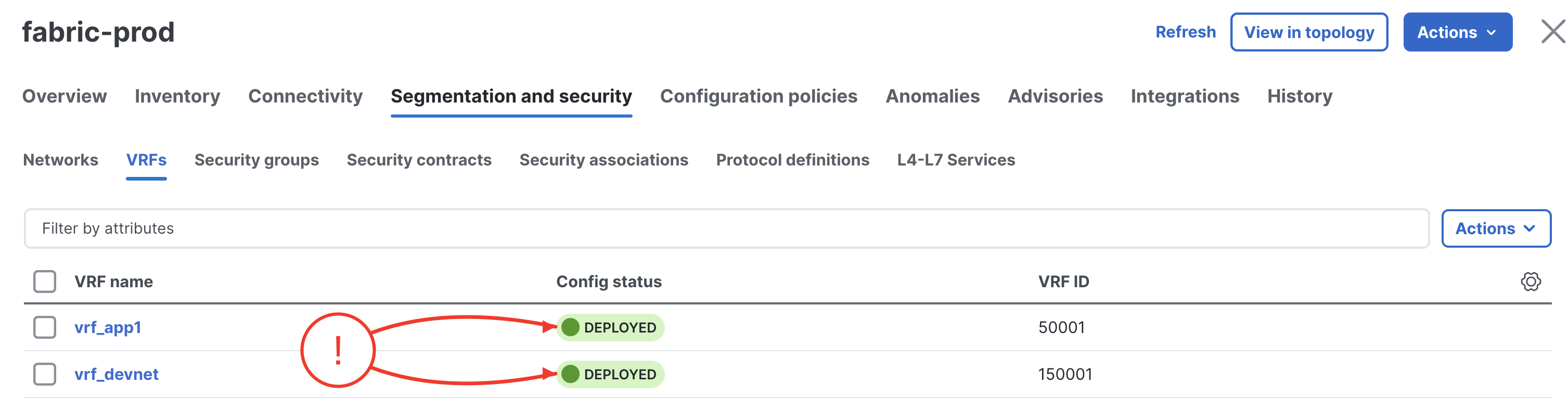
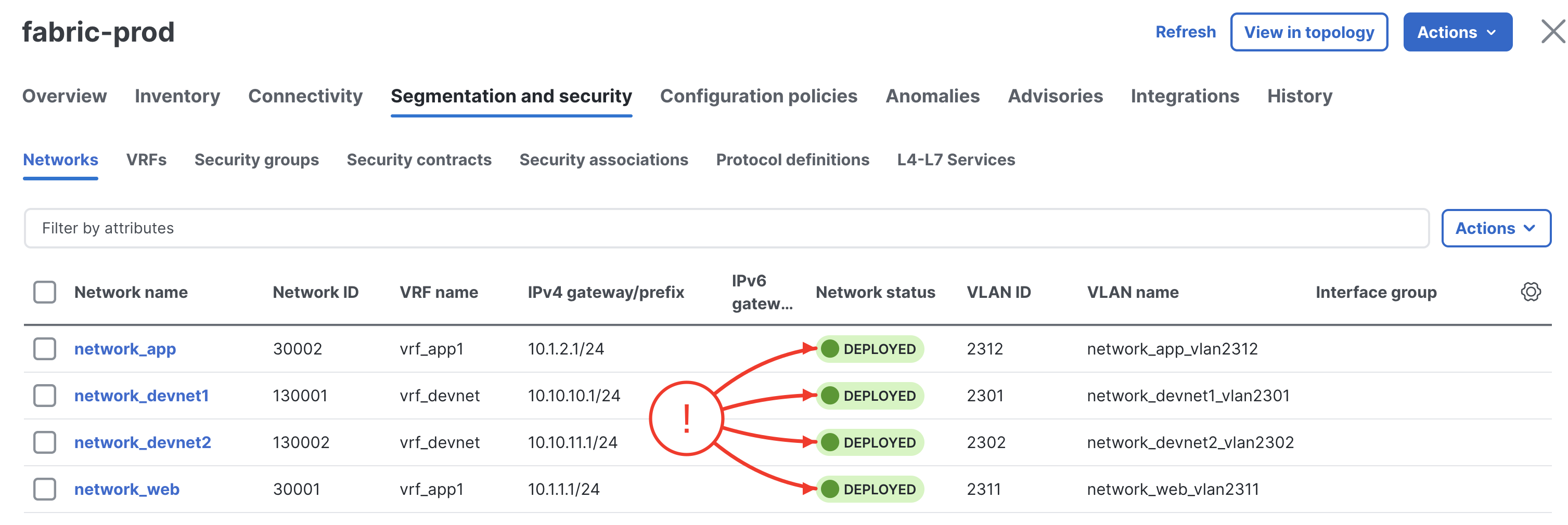
Step 4 - Verify on ND
In your browser, open another instance of the browser or another tab. Copy the url of Nexus Dashboard: