
In your browser, open another instance of the browser or another tab. Copy the url of Nexus Dashboard:
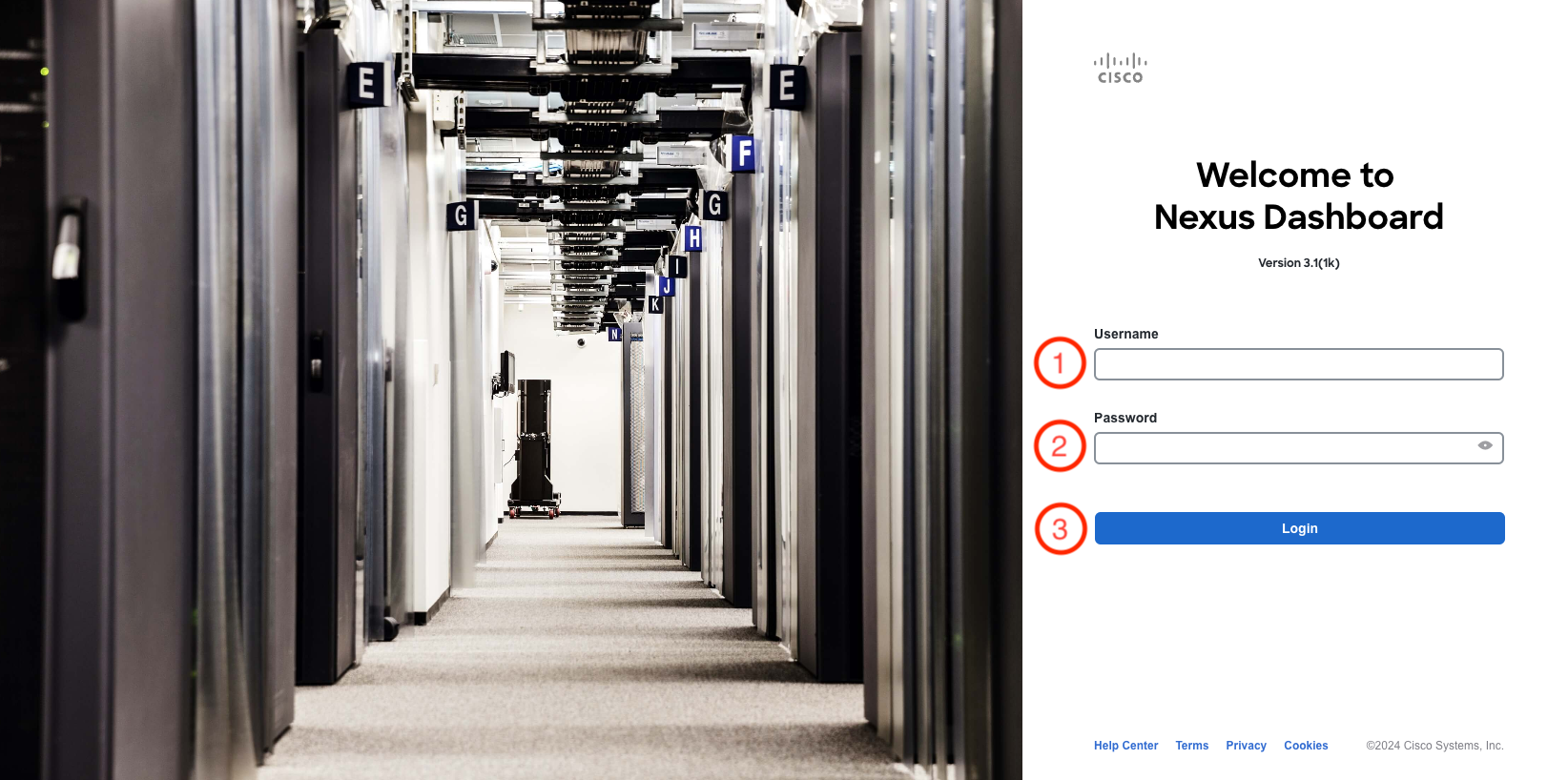
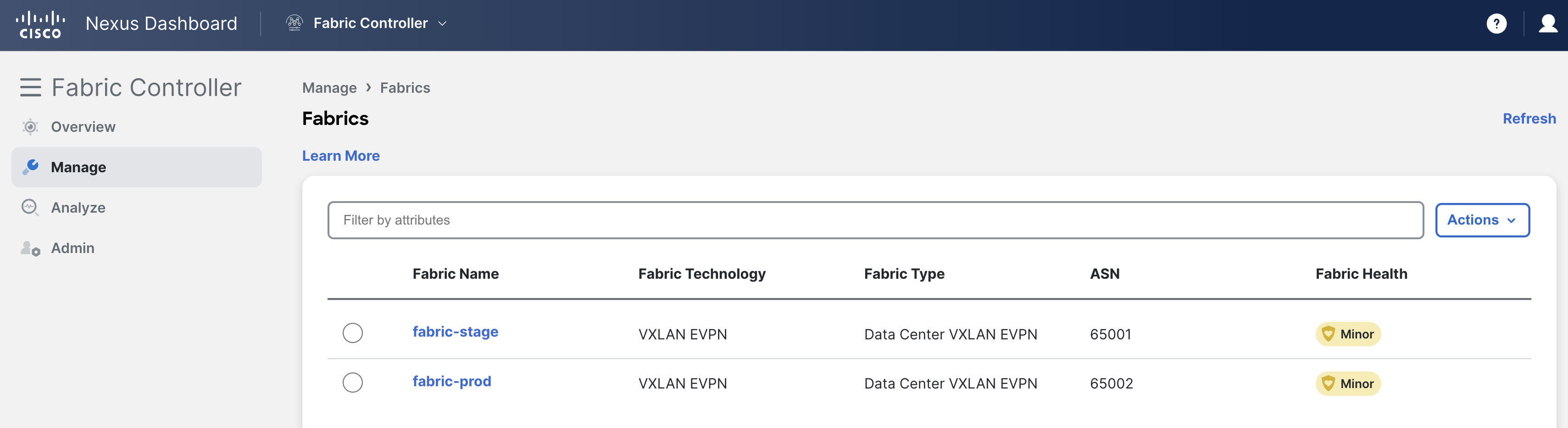
At the Nexus Dashboard login screen, login using your username and password:
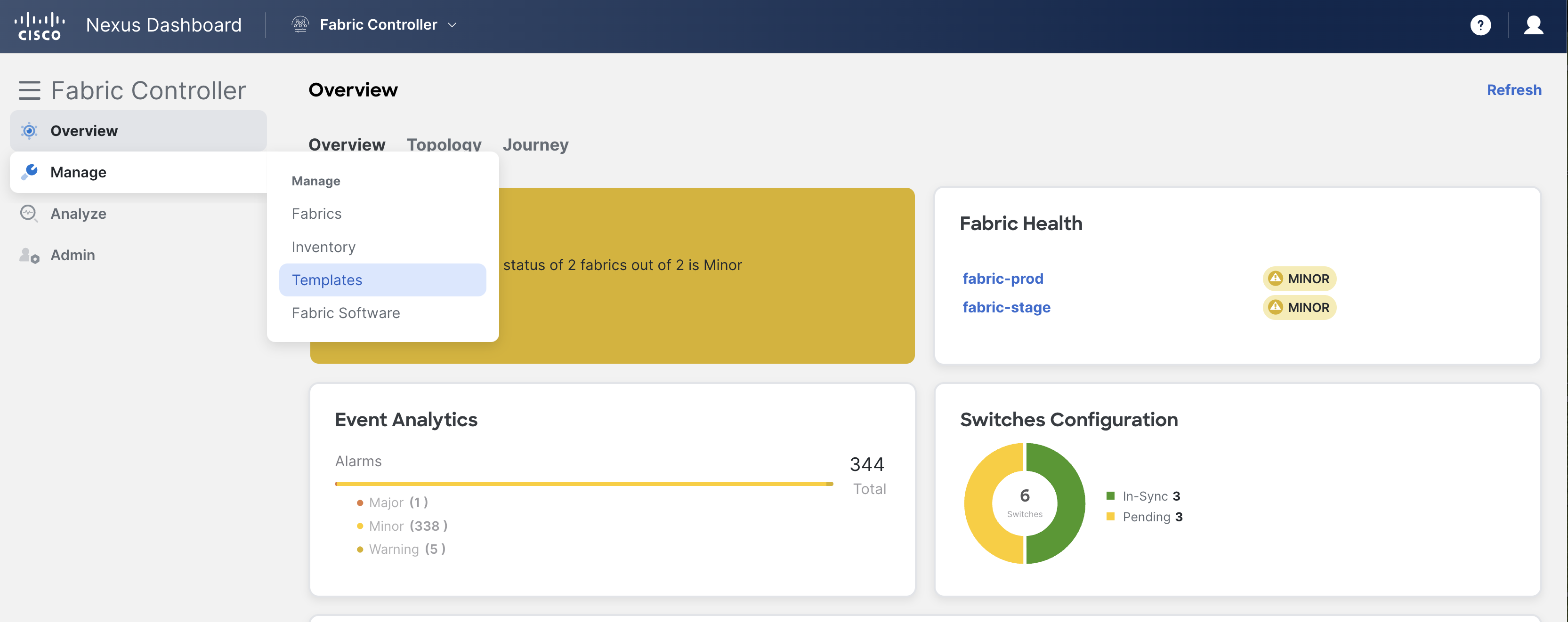
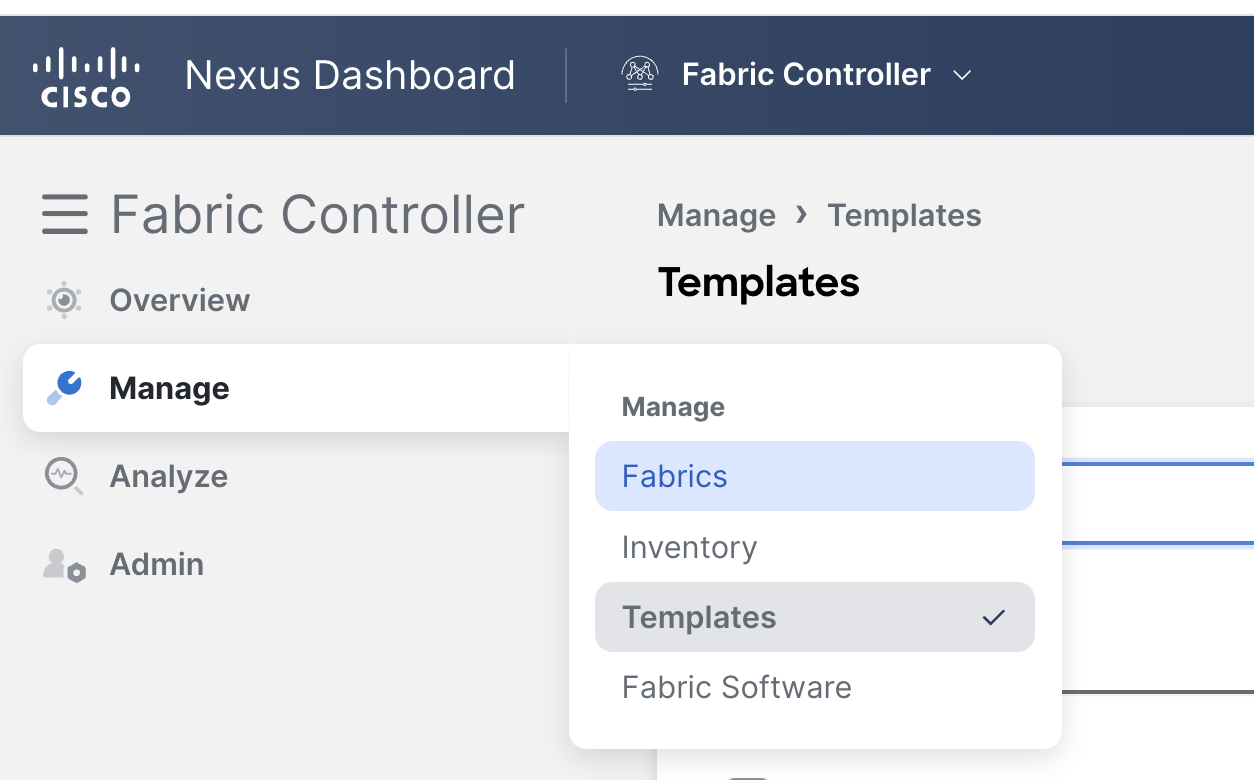
Hover over Manage on the left menu and select Templates:
telemetryOn template page, follow below path to verify template configuration:

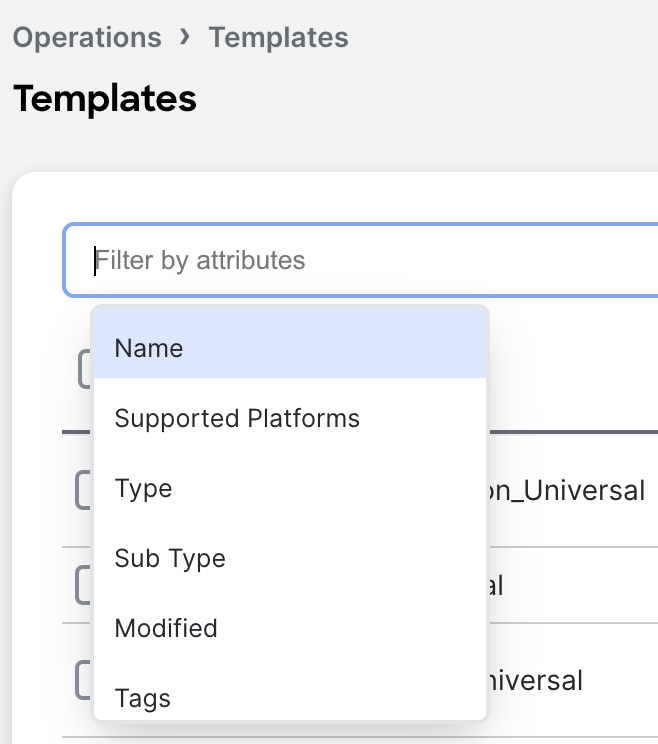
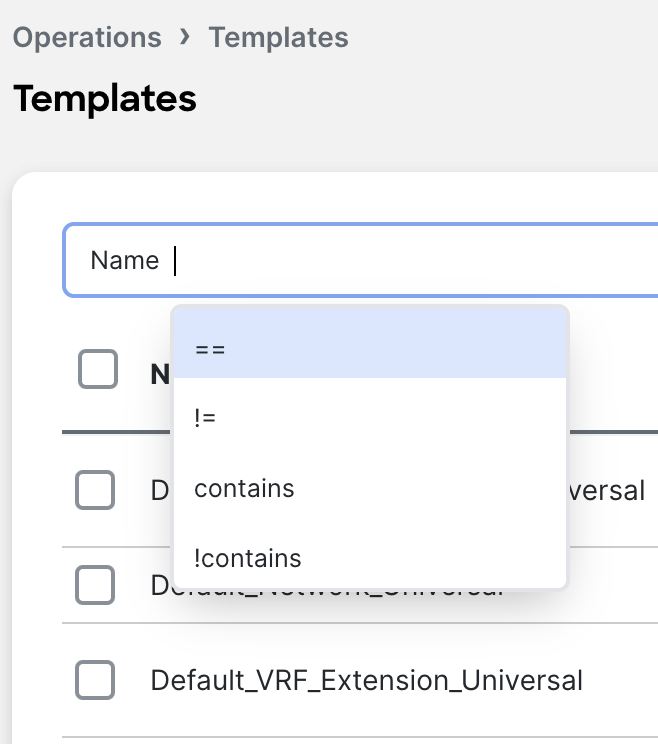
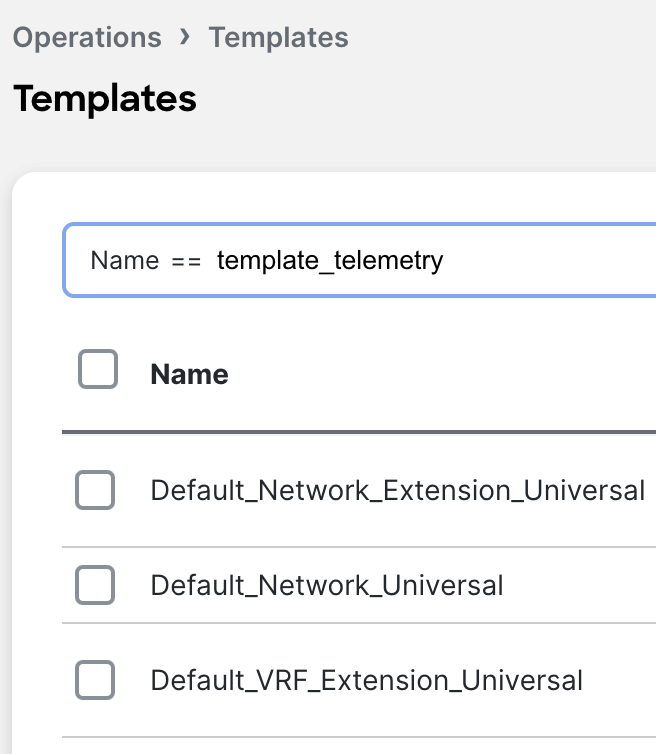
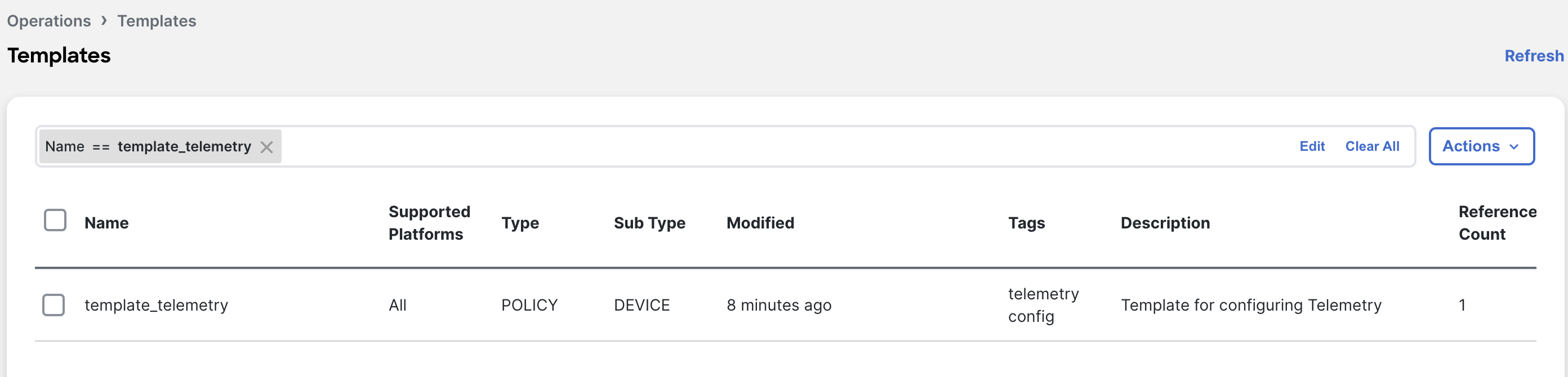
Template == template_telemetry as filter

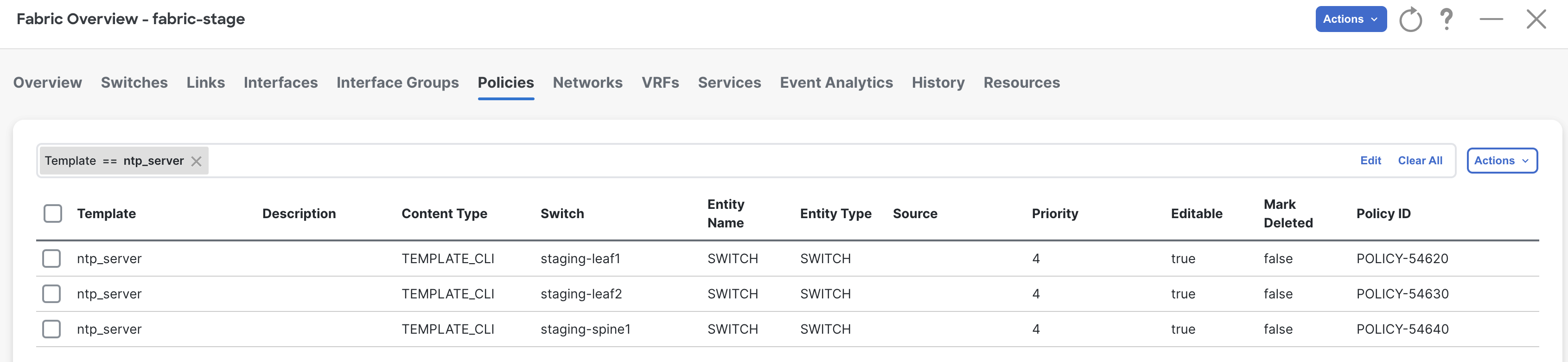
Template == ntp_server as filter
NOTE: The IP Address may not match the specific IP's for your POD. The 3rd octet '9' should match your pod number.